Why am I writing this?
I’ve decided to be more involved in my motion journey, I mean talking about my learning and things I work on, why? As a for of release to be honest, helps work through thoughts and solidify my hat I know, here’s my first post in that journey, I picked up motion design school’s motion pro course and I must say it has brought new life into my for motion, from learning about new tools and techniques to seeing how a lot of motion work I admire could’ve been made, one thing I know I missed out on is motion mentorship, I’ve been self taught and extremely isolated in my motion journey, partially why I’m writing this post, but taking this course I’ve got a bit of insight into how more experienced animators work, I’ll still work on getting mentorship, but for now this is fine.
The goal
The course starts off relatively simple, but one thing they emphasise is speed and reusable motion pieces, they even provide scripts and plugins for this, the first thing that caught my eye was the faux 3D workflow for after effects, I’m a 2D guy but from following creators like seven play, I’ve always been interested in bringing in that 3D into my 2D work, camera moves and 3D looking objects, and here’s the course showing me how! So I tested two of the workflows shown, using the classic 3D renderer or cinema 4D renderer, i wanted to see what version makes sense for me to use in projects, and bring into my workflow, considering versatility and rendering times
Methods and Madness
There are 2 main 3D renderers in After effects and they do things quite differently,
Classic 3D and Cinema 4D Renderers, if you’ve worked in after effects you’ll be a bit familiar with these two, Advanced 3D recently came out.
You can find them here if you’re not familiar with After effects
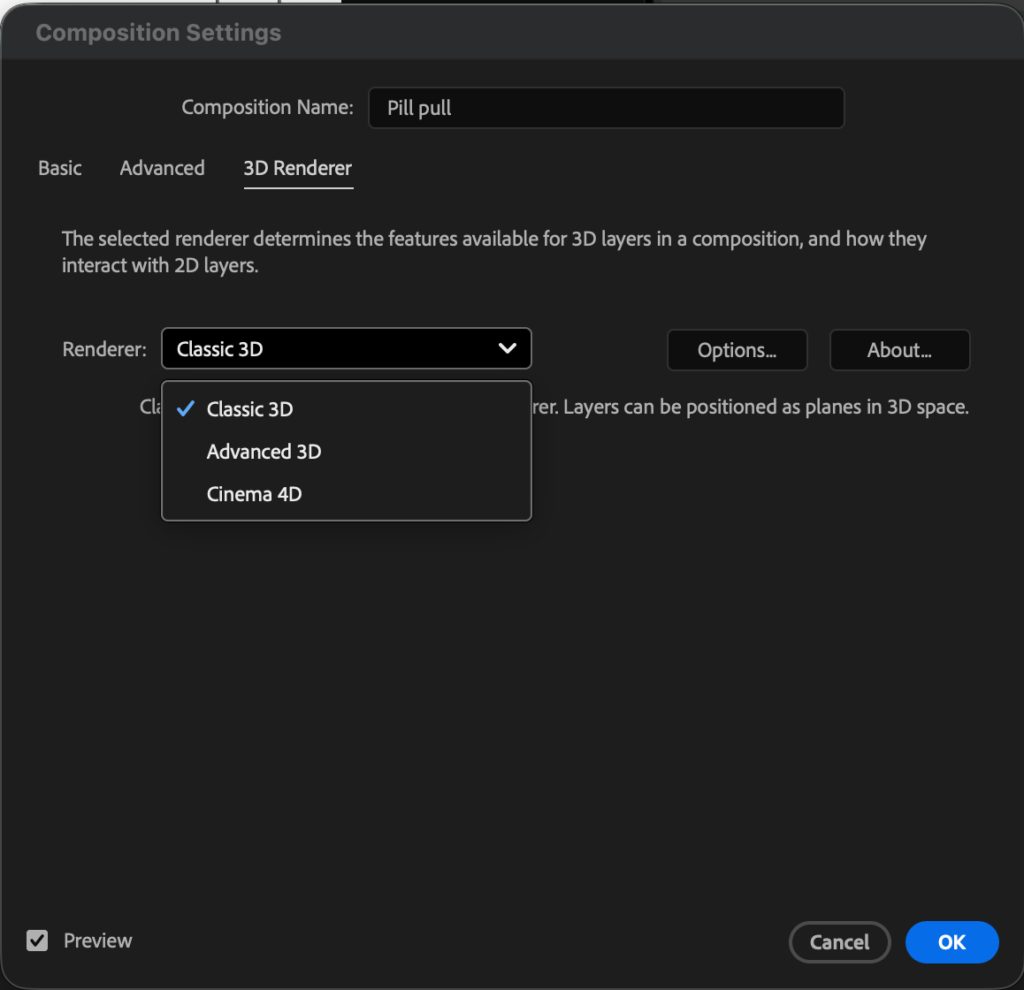
Classic 3D gives me access to some native After effects tools and effects.
But sort of limits what I can create in 3D space, if it can’t be built out of simple 2D shapes it most likely won’t be able to make a 3D versions of it, but the flexibility to apply effects, masks and many more.
Cinema 4D renderer is great for more complex 3d shapes, but is really limited in the use of effects and masks, couldn’t do a number of things with it.
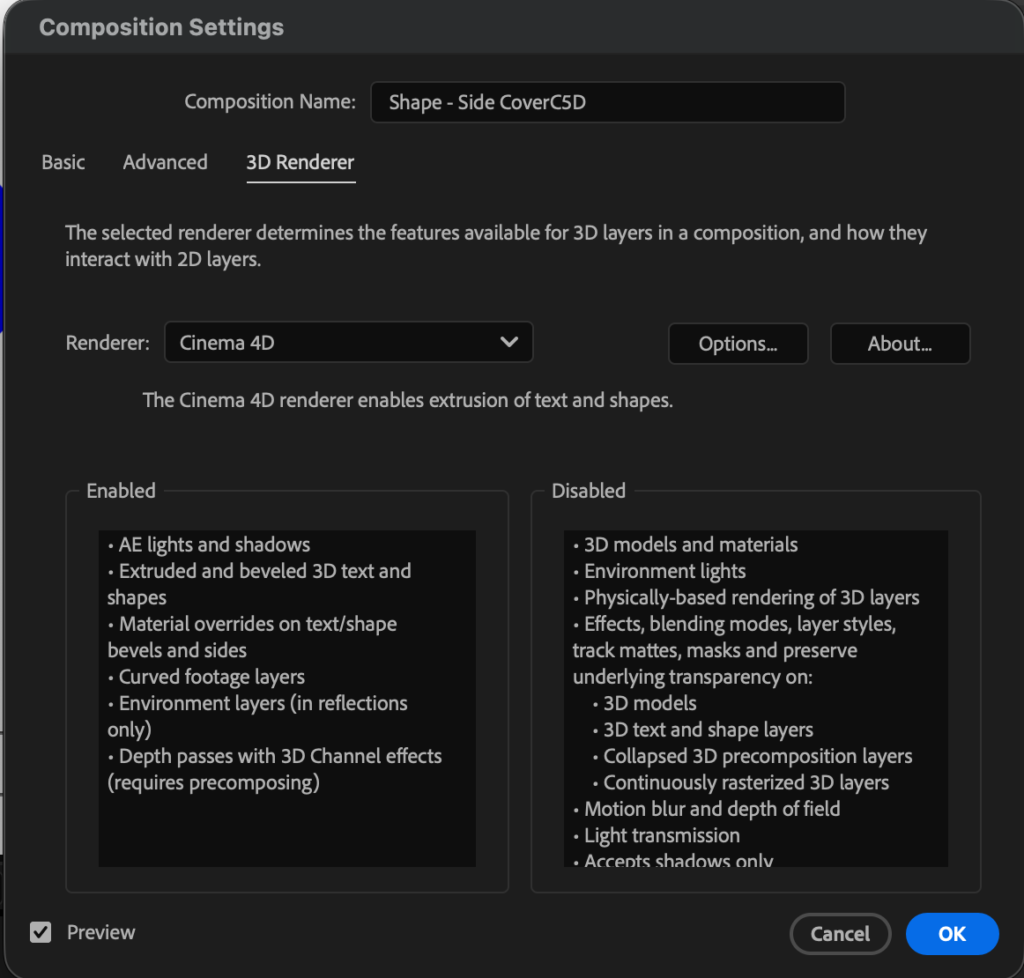
My plan was to see how far I could push my learning by creating a reusable and modifiable rig of simple 3D shapes, the kind you add as effects in videos, I took the C4D path and with the use of comps, essential graphics and certain effects, I was able to create simple editable extrusion rigs that are non destructive, allowing me to create variance in 3D elements and shapes.
The results
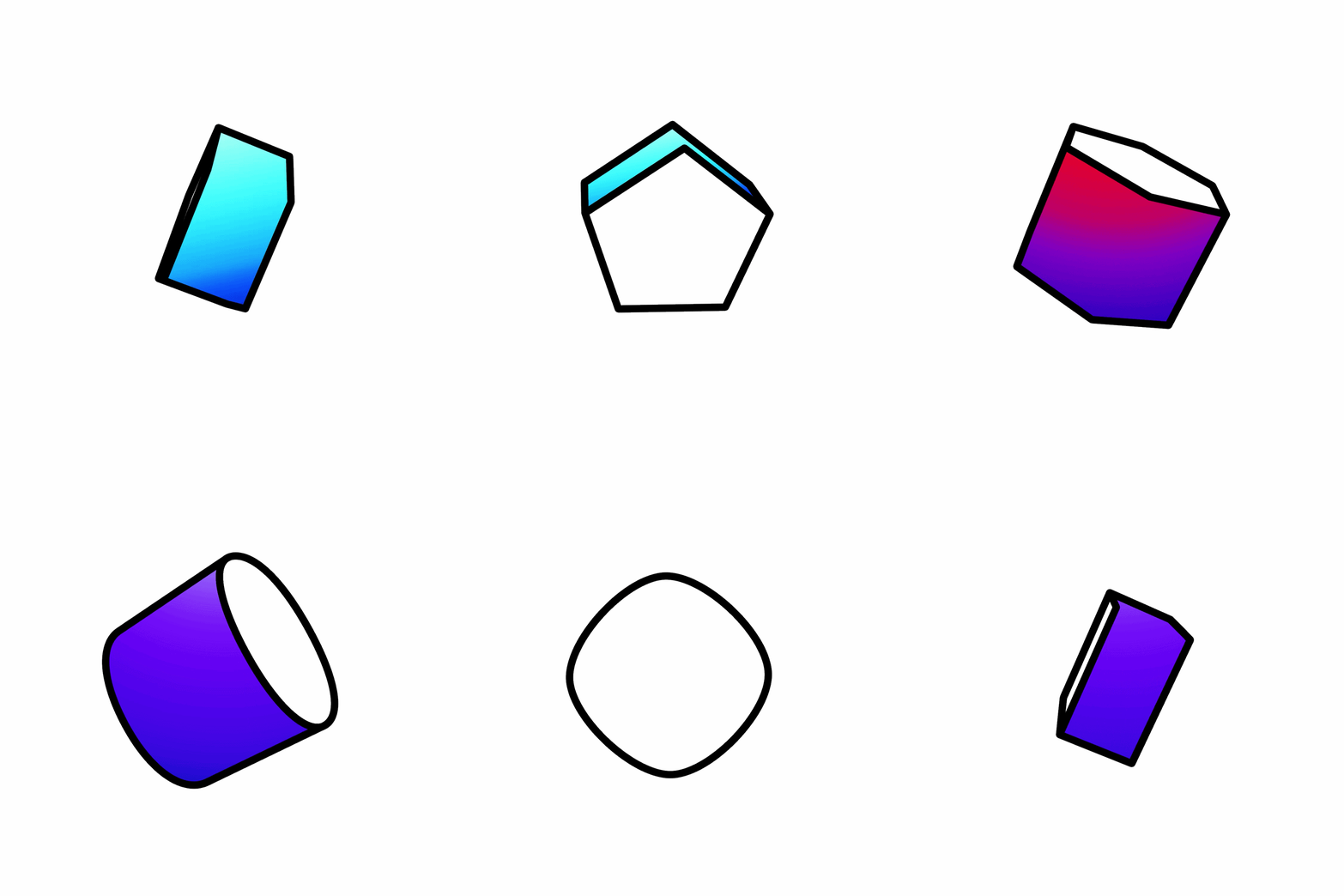
What I especially like is this rig isolates the front back and sides of the 3d shape allowing it to be style however needed, using essential graphics, a number of properties have been linked together to allow easy updates and creating variants, without affecting the original comp (don’t sleep on essential properties)
Learnings and take home
Sometimes you just want to remain in AE and not have to jump between software when creating simple 3D assets, but still need extreme flexibility, I learnt a couple of effects indepthly, linear color key and essential graphics, and limitations of methods.
Draw back, the rig is a bit slow to render, being that it uses a lot of effects and links, combined with the c4D renders.